FEATURES / TRIP BRIEFING
TRIP BRIEFING
[Know what's ahead before you go]
[One button checks the whole route: closures, fire, fuel and signal.]
THE DETAILS
Everything a briefing checks
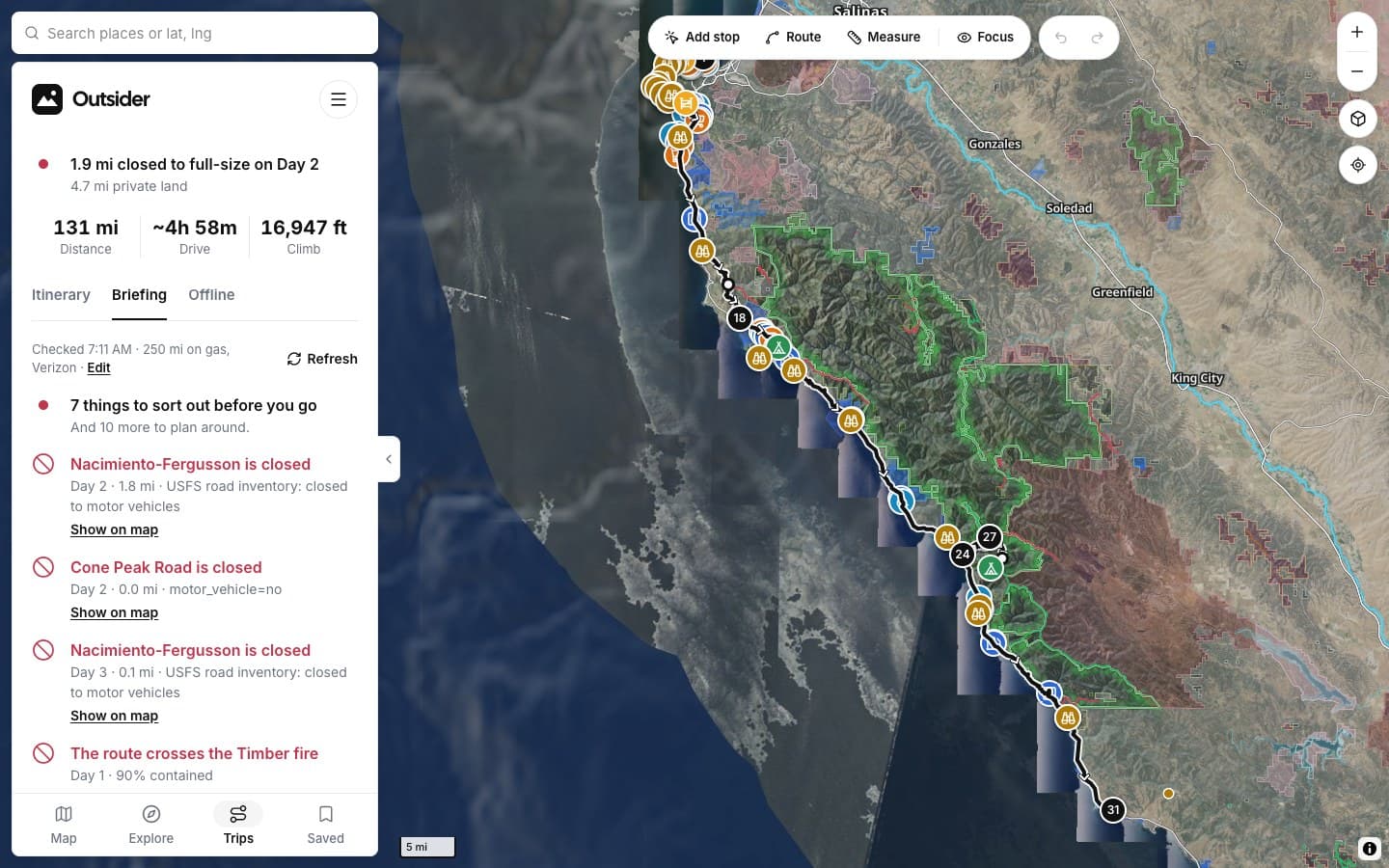
Open a trip, choose Briefing, then Check conditions.
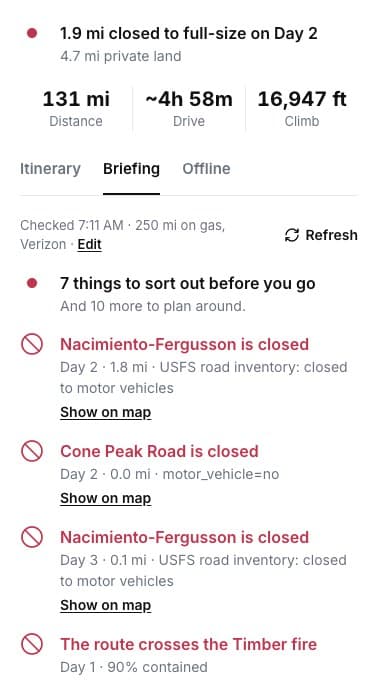
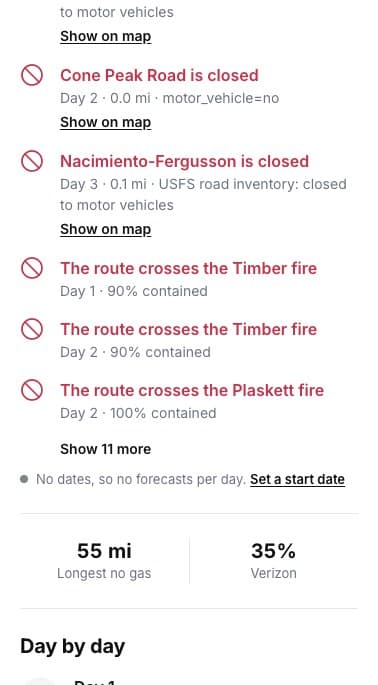
BEFORE YOU GO
Things to sort out
Closed roads and fires on the route, with where they are.
GAPS
Fuel and signal
The longest stretch with no gas, and how much has signal.
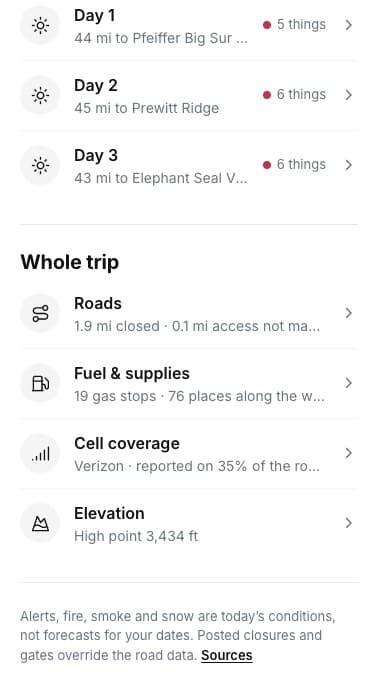
DAY BY DAY
Each day's heads-ups
Open a day for its own list.
ON THE MAP
Show on map
Every heads-up jumps to its spot.
CONDITIONS
ROADS
SUPPLIES
SIGNAL
SCREENSHOTS
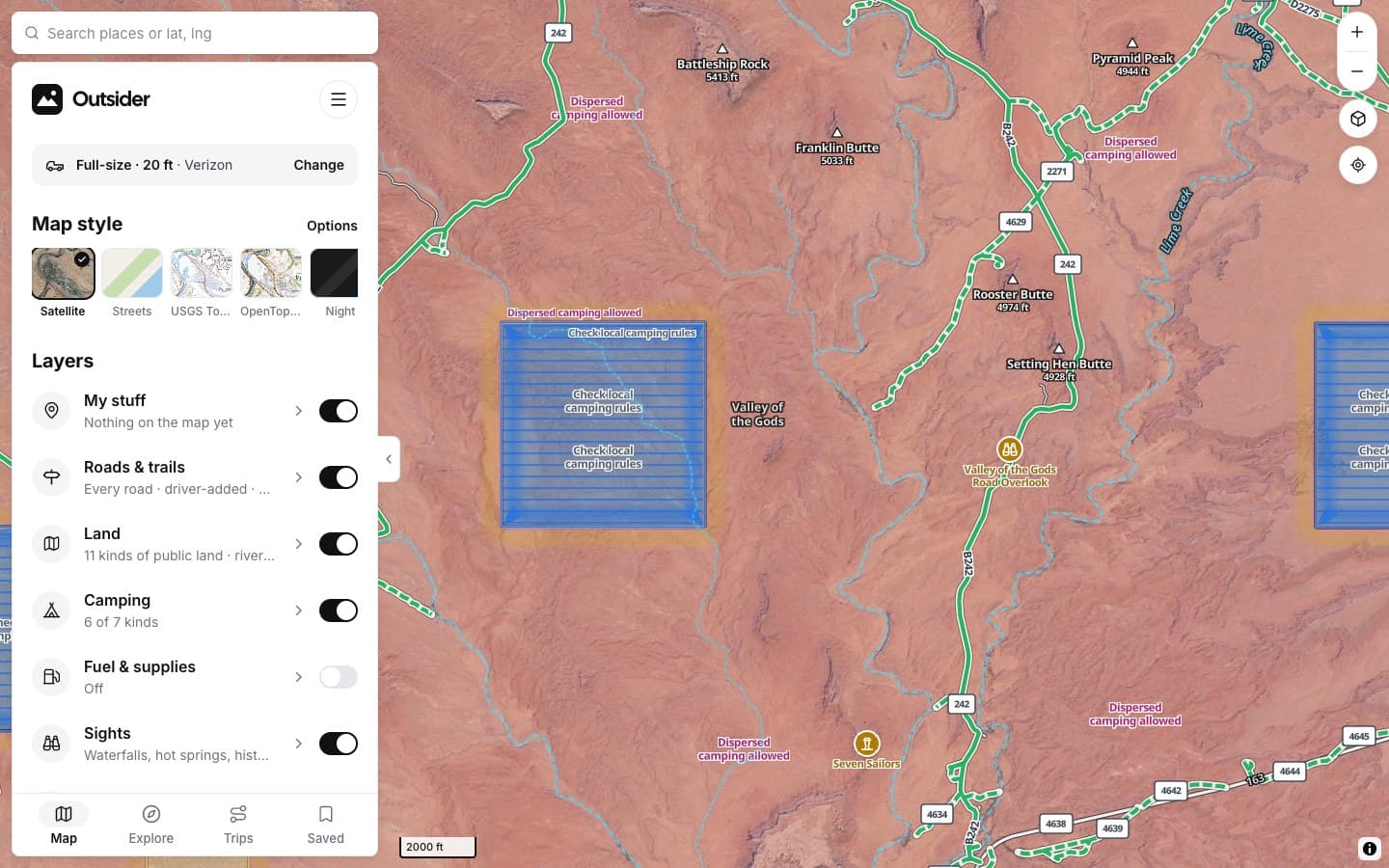
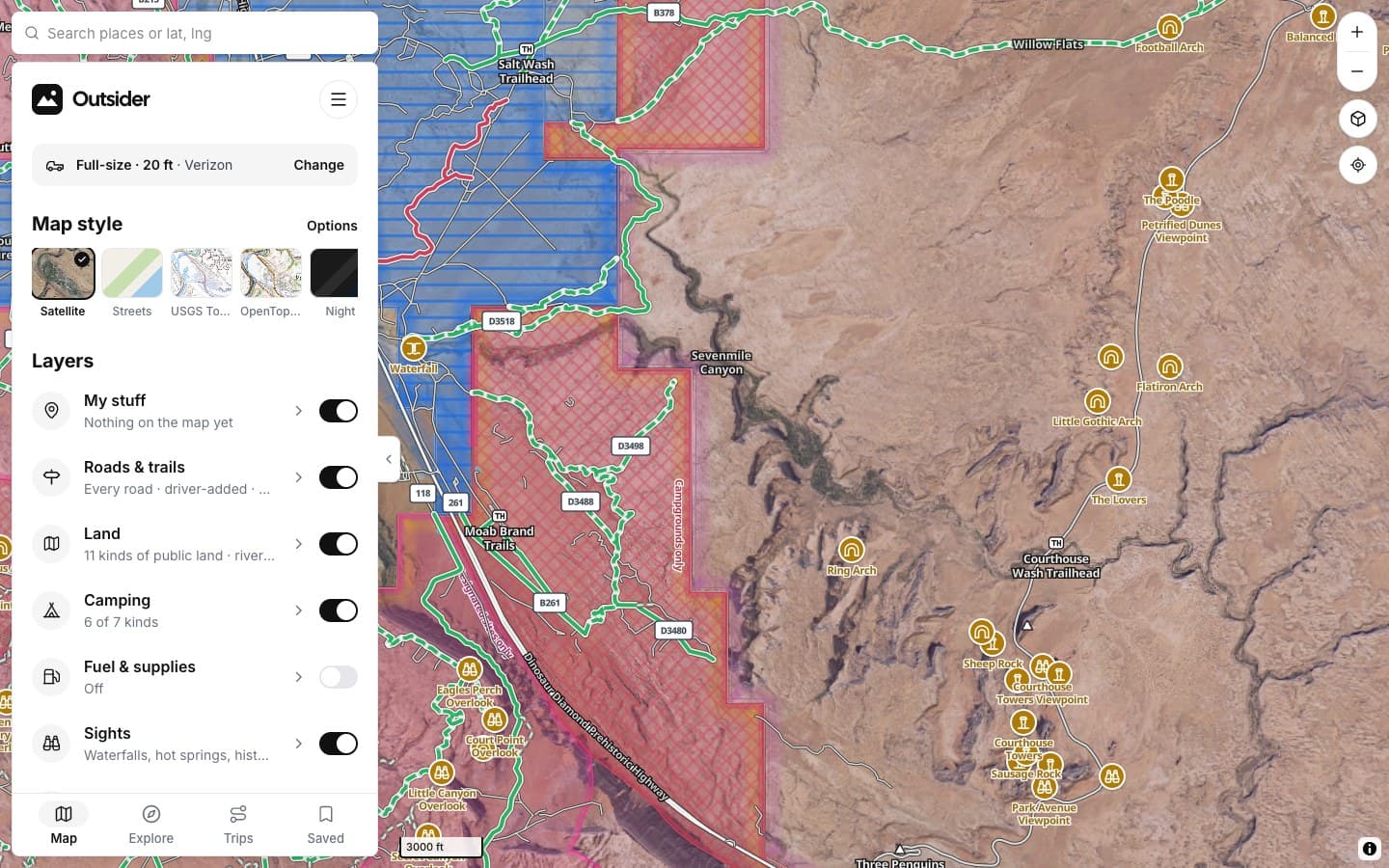
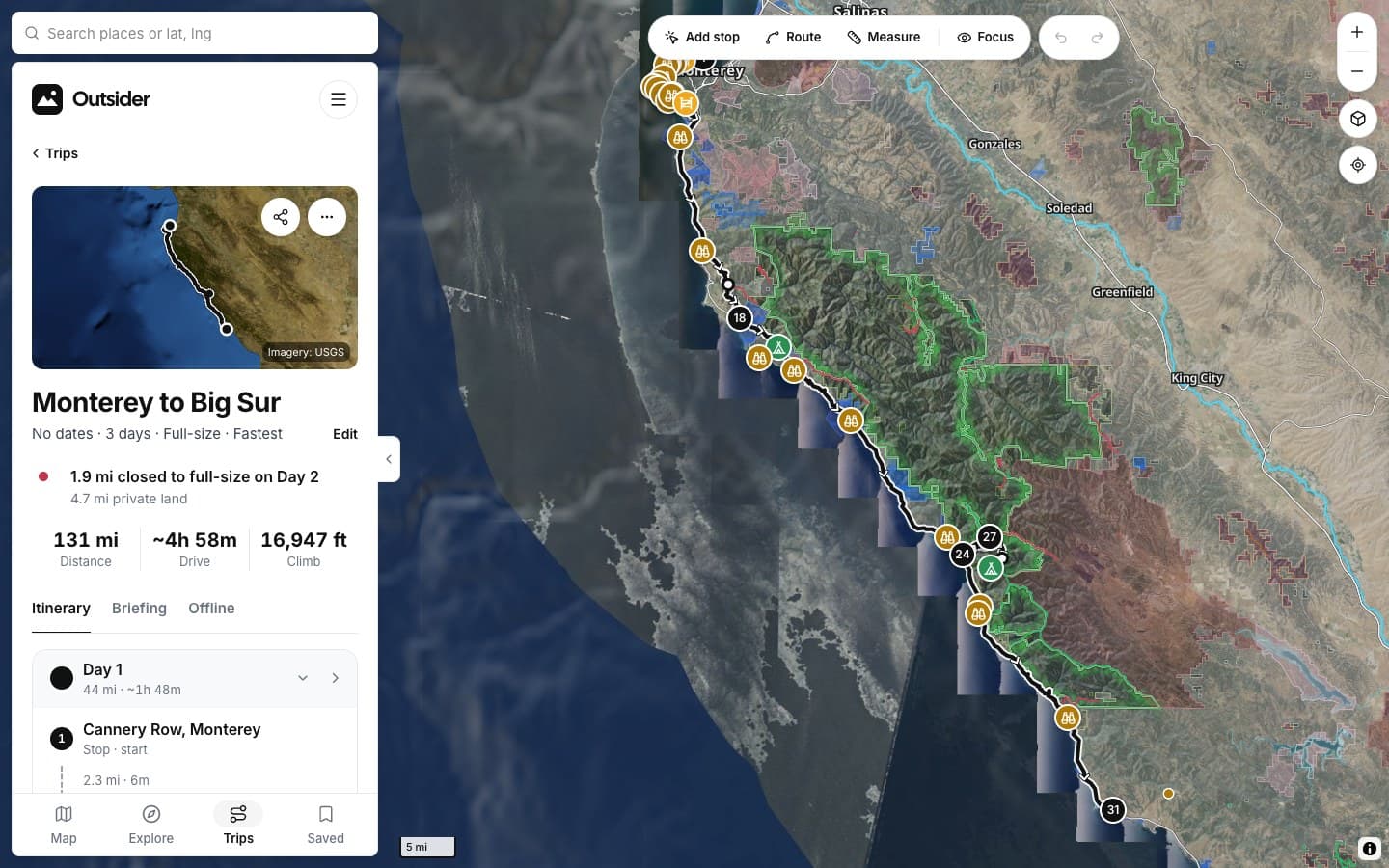
See it in the app
Click any screenshot to see what it shows.
FROM THE TRAIL
[Drivers who didn't turn around]
[PLACE · ROAD]
“[THE BIG TESTIMONIAL, IN THEIR WORDS]”
[RIG] · [STATE]
“[TESTIMONIAL]”
[RIG] · [STATE]
“[TESTIMONIAL]”
[RIG] · [STATE]
Fair questions
Is it a forecast for my dates?
Alerts, fire, smoke and snow are today's conditions. Set trip dates to get forecasts at each camp.
Where does it get closures?
From Forest Service and BLM closure orders and the road data, checked against your vehicle.
How often should I check?
Before you leave and whenever you have signal. Refresh runs it again.
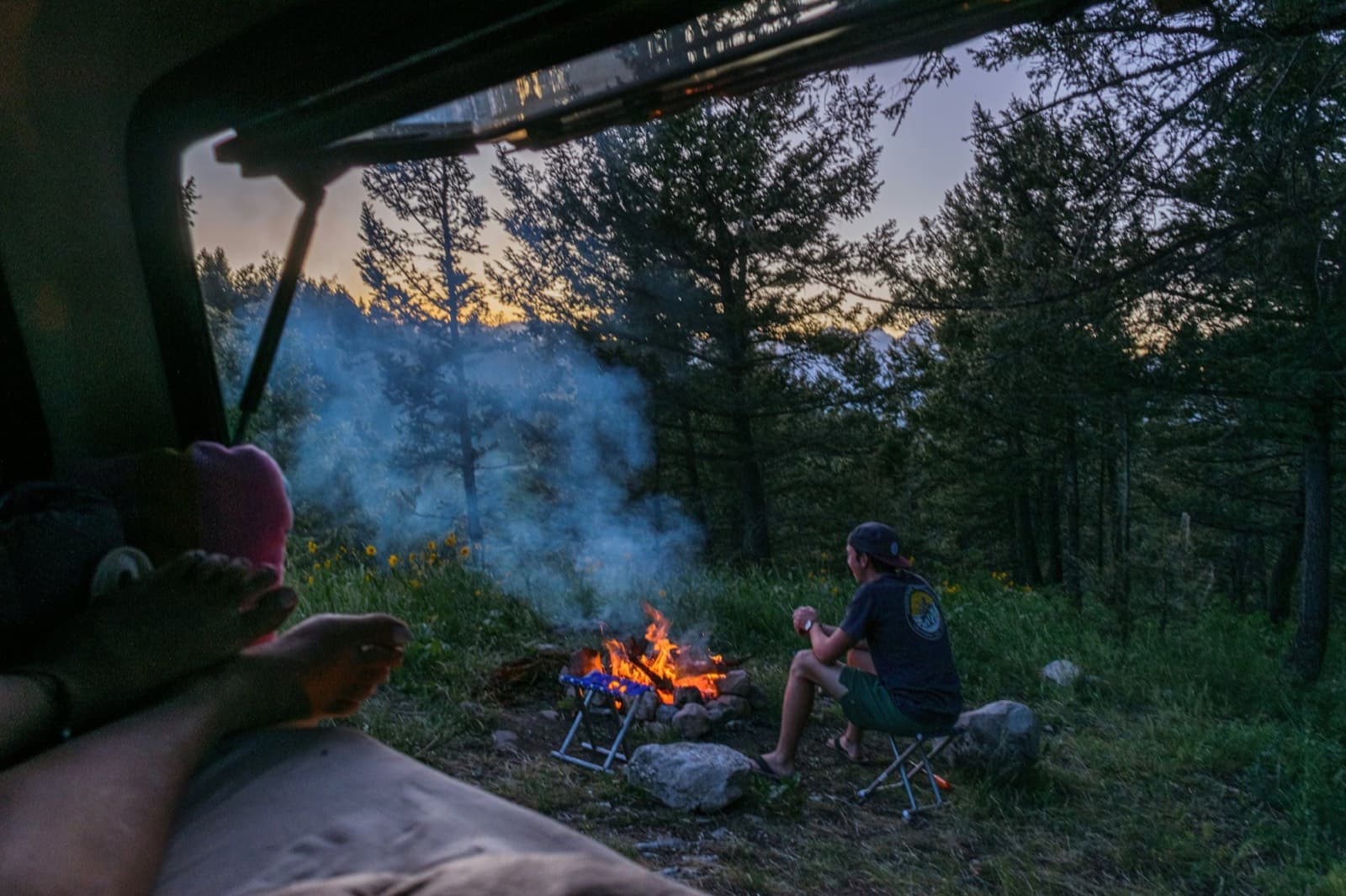
[No surprises on day two]
KEEP EXPLORING