FEATURES / OFFLINE & CARPLAY
OFFLINE & CARPLAY
COMING SOON[Keeps working when the bars are gone]
[Plan on the web, then drive it offline on your phone and dash.]
YOU GET
[The whole trip, no signal needed]
YOU CAN TRUST IT
[Same map you planned on]
IT'S FAST
[One button to save]
IT'S EASY
[Big turns on the dash]
[You've lost signal before]
WITHOUT OUTSIDER
- [Screenshot the map before you lose signal]
- [Paper maps on the passenger seat]
- [A phone app that goes blank in the canyon]
- [Squint at a tiny screen on a bumpy road]
WITH OUTSIDER
- Save a trip's route corridor in one tap
- Satellite and road status saved with it
- Turn-by-turn on your phone
- The same trip in CarPlay
THE DETAILS
What comes with you
Plan on the web; the phone downloads what you saved.
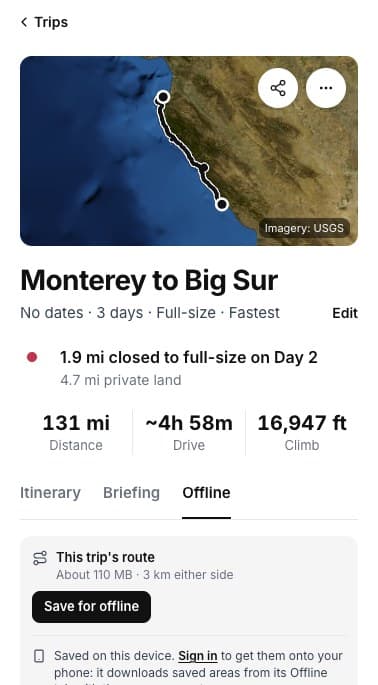
OFFLINE
Save the route
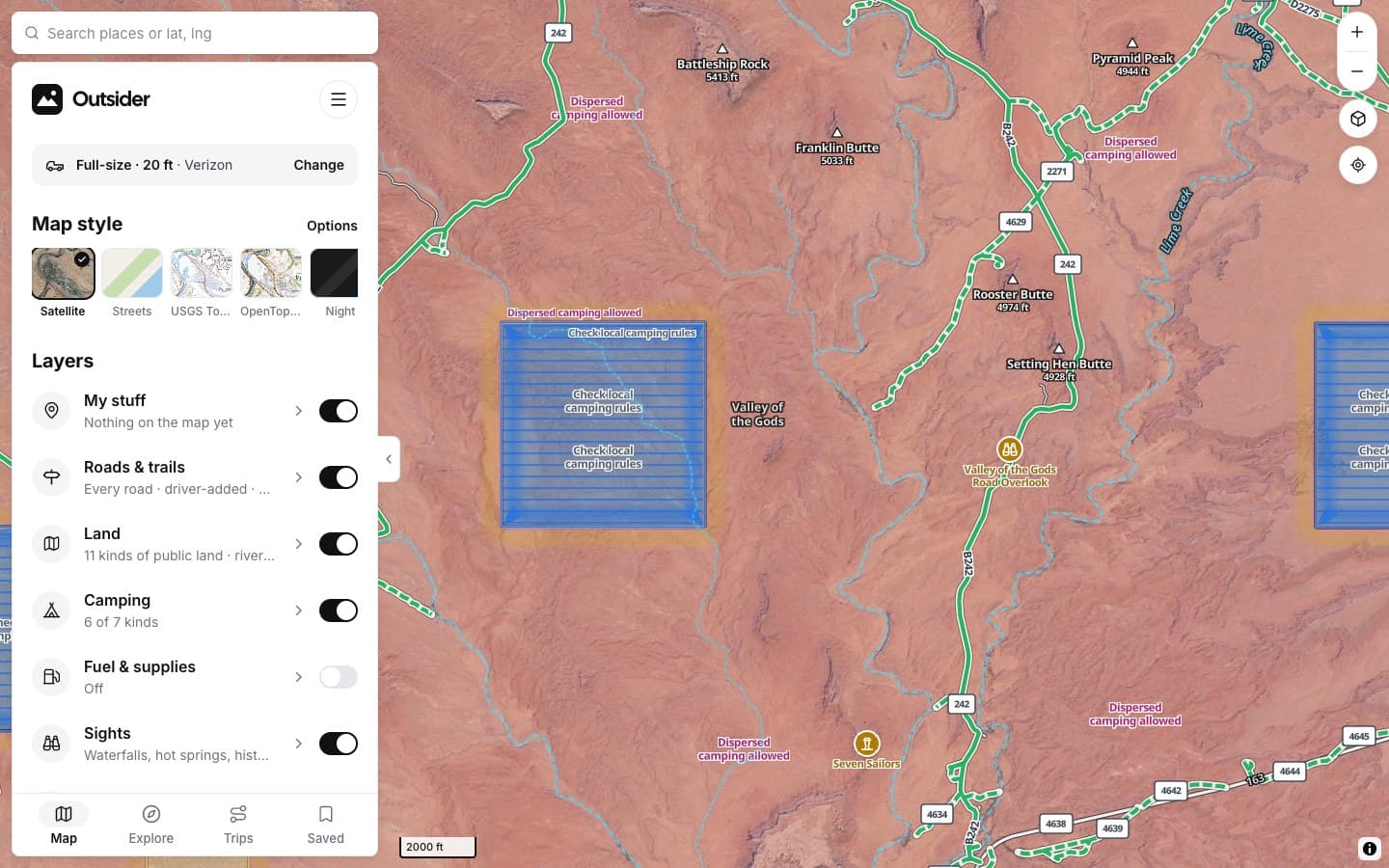
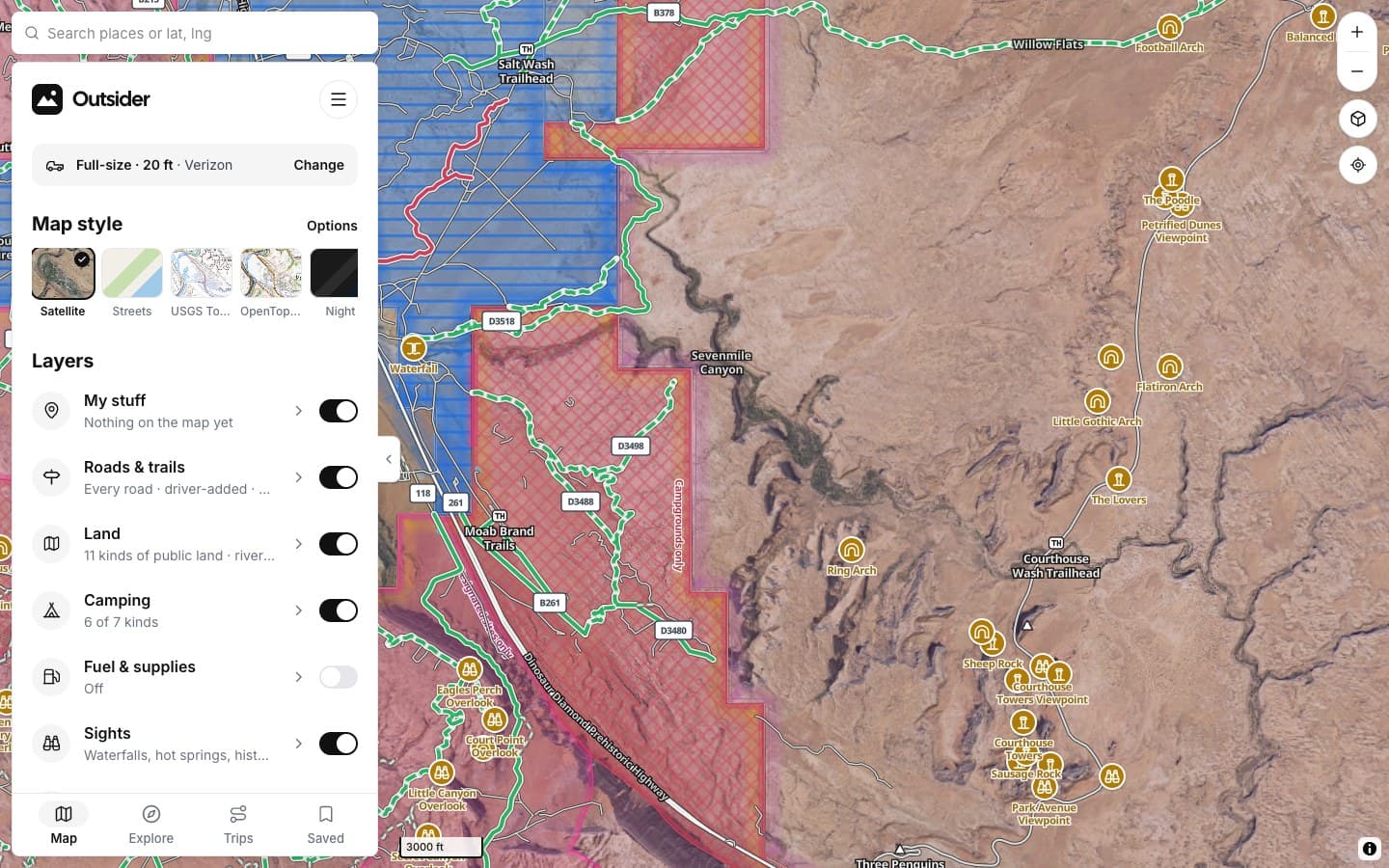
The map along your trip, a few kilometers either side.
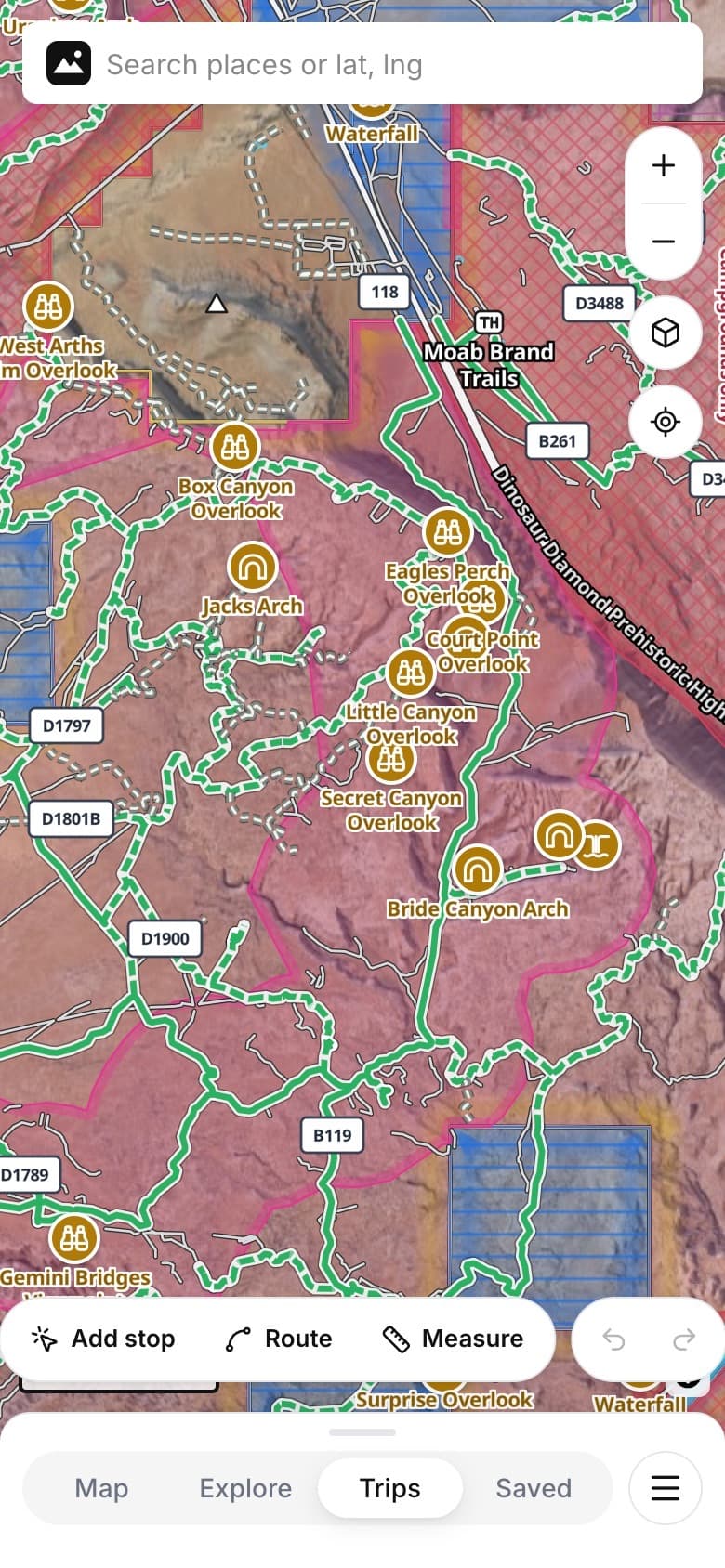
PHONE
Your trips on the phone
The trips you planned, ready to drive.
CARPLAY
On the dash
Turns sized for a bumpy road, with forest road numbers.
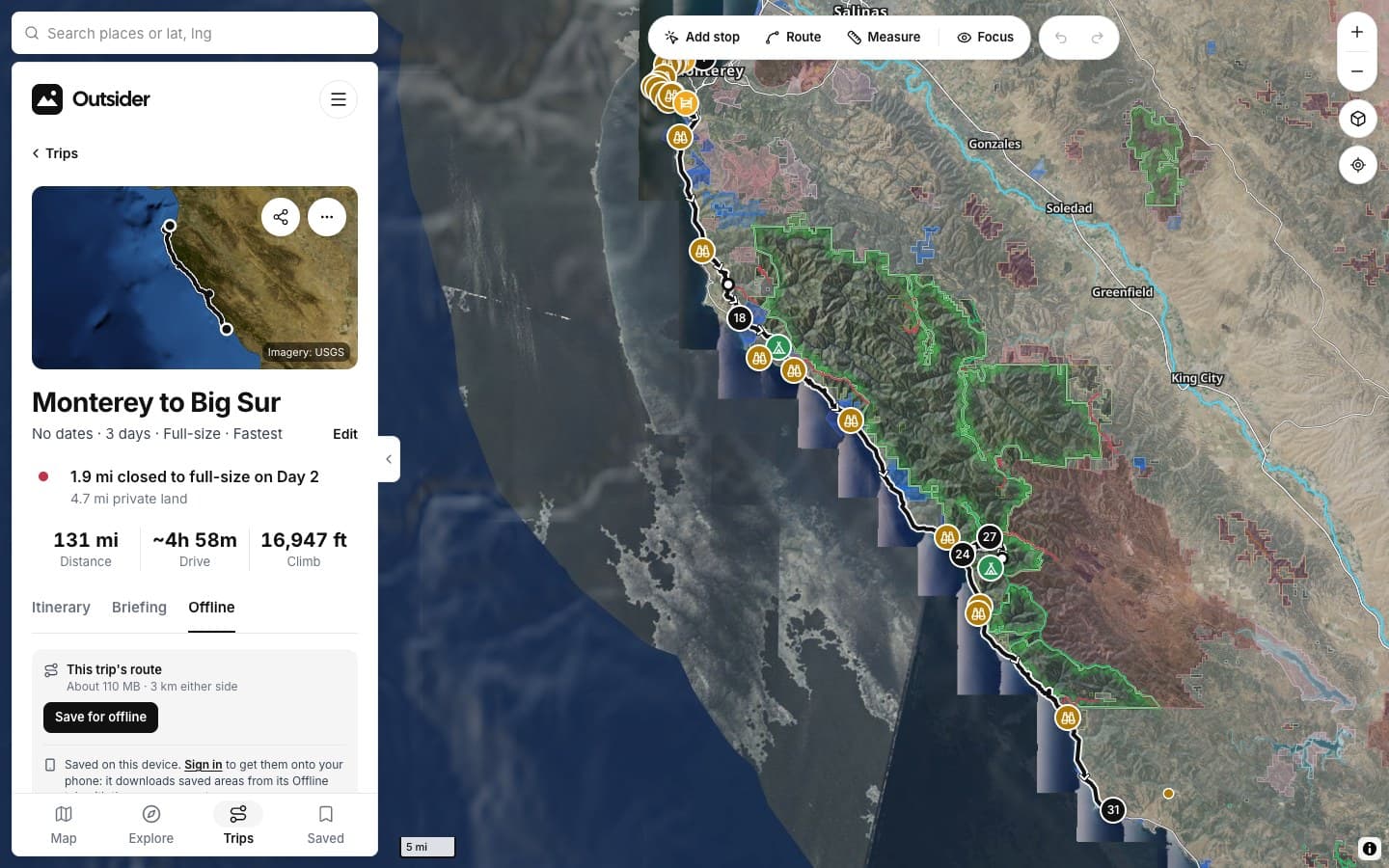
PLANNER
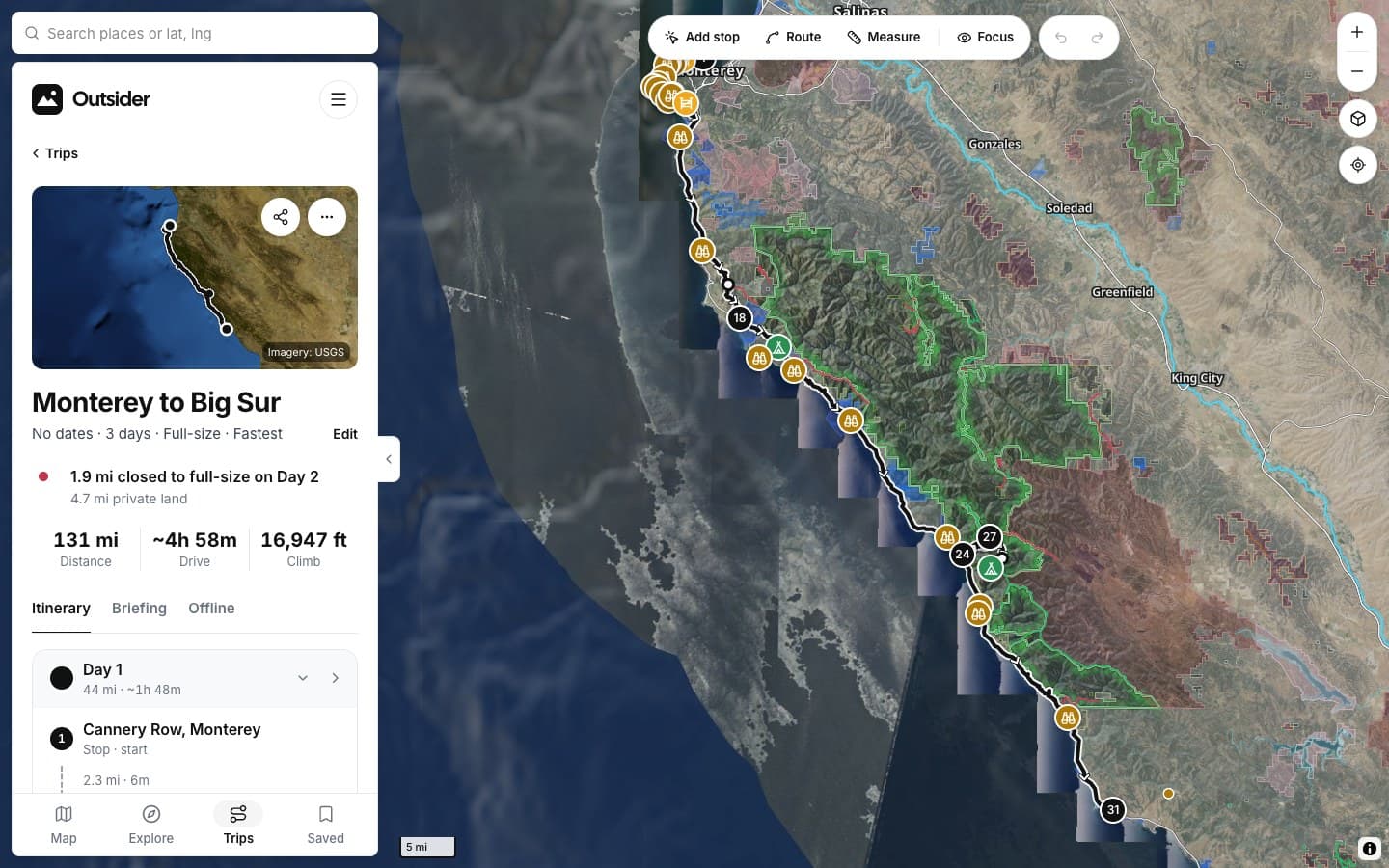
Saved from the web
Pick what to save while you plan.
SAVED OFFLINE
ON THE PHONE
IN CARPLAY
PLANNING IT
SCREENSHOTS
See it in the app
Click any screenshot to see what it shows.
FROM THE TRAIL
[Drivers who didn't turn around]
[PLACE · ROAD]
“[THE BIG TESTIMONIAL, IN THEIR WORDS]”
[RIG] · [STATE]
“[TESTIMONIAL]”
[RIG] · [STATE]
“[TESTIMONIAL]”
[RIG] · [STATE]
Fair questions
When is the phone app out?
The iPhone and CarPlay app is coming soon. You can plan trips and save them for offline on the web now.
How much space does a trip take?
It depends on the route. The Offline tab shows the size before you save; a three-day coast trip is about 110 MB.
Do I need an account?
Sign in to get saved trips onto your phone. Planning works without one.

[Go where the bars aren't]
KEEP EXPLORING